%20skewX(-10.5)%20translate(-32%20-32)'%3e%3cpath%20d='M49.75%2015H29A8.5%208.5%200%200%200%2029%2032H35A8.5%208.5%200%200%201%2035%2049H14.25'%20fill='none'%20stroke='%2316130E'%20stroke-width='9.5'/%3e%3c/g%3e%3cg%20transform='translate(82%2013)%20scale(1.02)'%20fill='%23E9E3D5'%3e%3cpath%20d='M2%205.5C2%202.46%204.46%200%207.5%200H25v6H8v5h13c3.31%200%206%202.69%206%206v9c0%203.31-2.69%206-6%206H2v-6h18v-9H7.5A5.5%205.5%200%200%201%202%2011.5v-6Z'/%3e%3cpath%20d='M34%209h22v6H41v11h15v6H40c-3.31%200-6-2.69-6-6V15c0-3.31%202.69-6%206-6Z'/%3e%3cpath%20d='M63%209h19c3.31%200%206%202.69%206%206v5c0%202.29-1.28%204.28-3.16%205.29L90%2032h-8l-4.5-6H70v6h-7V9Zm7%206v5h11v-5H70Z'/%3e%3cpath%20d='M105%209h8l13%2023h-8l-2.5-5h-13L100%2032h-8l13-23Zm.5%2012h7l-3.5-7-3.5%207Z'/%3e%3cpath%20d='M131%209h19c3.31%200%206%202.69%206%206v7c0%203.31-2.69%206-6%206h-12v4h-7V9Zm7%206v7h11v-7h-11Z'/%3e%3cpath%20d='M163%209h24v6h-17v3h14v5h-14v3h17v6h-24V9Z'/%3e%3cpath%20d='M194%200h7l16%2020V0h7v32h-7l-16-20v20h-7V0Z'/%3e%3cpath%20fill-rule='evenodd'%20d='M231%209h28v23h-28V9Zm7%206v11h14V15h-14Z'/%3e%3cpath%20d='M264%209h7l4%2015%204-15h7l4%2015%204-15h7l-7%2023h-8l-4-12-4%2012h-8l-6-23Z'/%3e%3c/g%3e%3c/svg%3e)
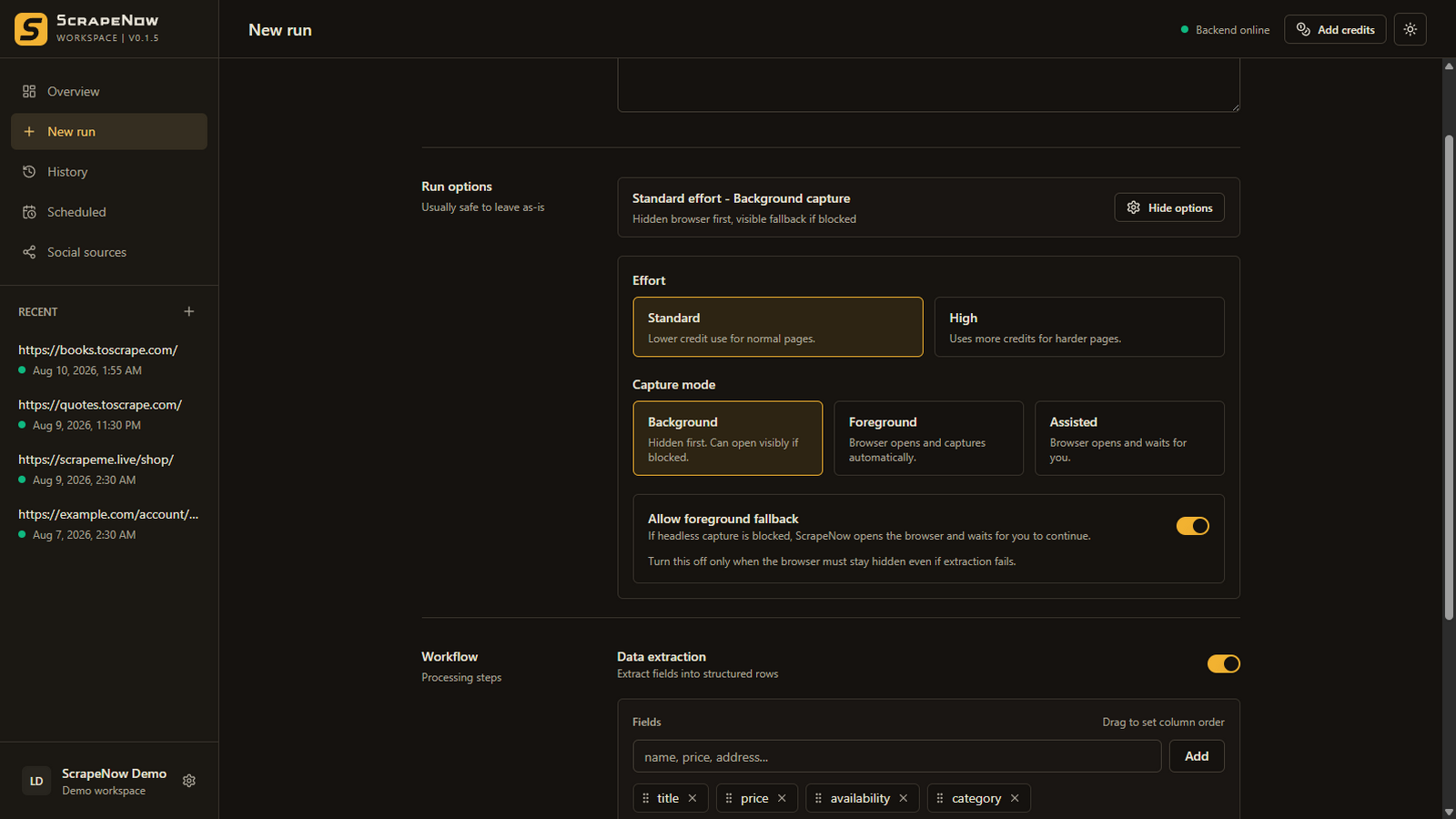
Yes, when you have permission to access and process the information. Assisted mode lets you complete sign-in and any permitted page setup personally. ScrapeNow then captures the page state you reached and sends reduced content, not your login credentials, for hosted extraction.
The workflow
Authentication stays a user action
Choose Assisted mode
ScrapeNow opens a visible browser on the source website and waits.
Use the site normally
Enter credentials, complete MFA, accept consent, and navigate to the authorized data.
Continue when ready
Confirm the page state, capture it locally, and extract only your requested fields.
Data boundary
What stays local and what is processed
| On your Windows PC | Hosted extraction receives |
|---|---|
| Website login credentials | Reduced Markdown chunks from the captured page |
| Browser cookies and sessions | Your requested field schema or pagination instruction |
| Captured Markdown and workflow history | The operation type and source reference required for the job |
| Retrieved results and exported files | Short-lived job data needed to return structured JSON |
Raw Markdown chunks are temporarily processed according to the retention periods in the ScrapeNow Privacy Policy. Review that policy before processing sensitive or personal information.
Good fits
When login-assisted capture makes sense
Prepare the relevant account, filter, or report view before capture.
Use the same browser access you already have without disclosing the password to ScrapeNow.
The browser waits while you finish the site’s normal authentication flow.
Reach the page, capture the data, and export the result for the job at hand.
Authorization matters
This is not an access-control bypass
- ScrapeNow does not circumvent authentication, MFA, CAPTCHAs, permissions, paywalls, or technical restrictions.
- The account and page must be available to you through the website’s normal interface.
- You are responsible for the website’s terms, privacy obligations, contracts, and applicable law.
- A successful login does not automatically grant permission to collect, reuse, or redistribute every visible record.
- Do not send passwords, cookies, access tokens, or private keys to ScrapeNow support.
Related workflows