%20skewX(-10.5)%20translate(-32%20-32)'%3e%3cpath%20d='M49.75%2015H29A8.5%208.5%200%200%200%2029%2032H35A8.5%208.5%200%200%201%2035%2049H14.25'%20fill='none'%20stroke='%2316130E'%20stroke-width='9.5'/%3e%3c/g%3e%3c/svg%3e)
List Extractor
Products, listings, search results, reviews, comments and tables. Click one item and every similar item is collected.
One click, then auto-scroll, next page or load more.
Hover over a product, review or listing. ScrapeNow highlights every similar item on the page. One click collects them all, follows the next pages and exports to Excel, CSV or Google Sheets.

Names, prices, ratings, images and links from a product grid, then the next pages.
Export to ExcelGoogle SheetsCSVJSONClipboard
Most scrapers make you build the extraction yourself. ScrapeNow finds it on the page for you.
Open the side panel, pick a tool and start on the page you are already looking at.
Products, listings, search results, reviews, comments and tables. Click one item and every similar item is collected.
One click, then auto-scroll, next page or load more.
Paste URLs or upload a CSV. Pick the values once, and get one row per URL.
Up to 2,000 URLs per job on Business.
Save an article or any page as one clean row: readable text without menus, ads or footers.
See every image on the page in a gallery, then download one or all of them.
Give it business websites. Get their social profiles and public contact emails.
Open a channel’s Videos tab and collect every video into a table.
No selectors, no setup, no code. These screenshots are from the real extension.
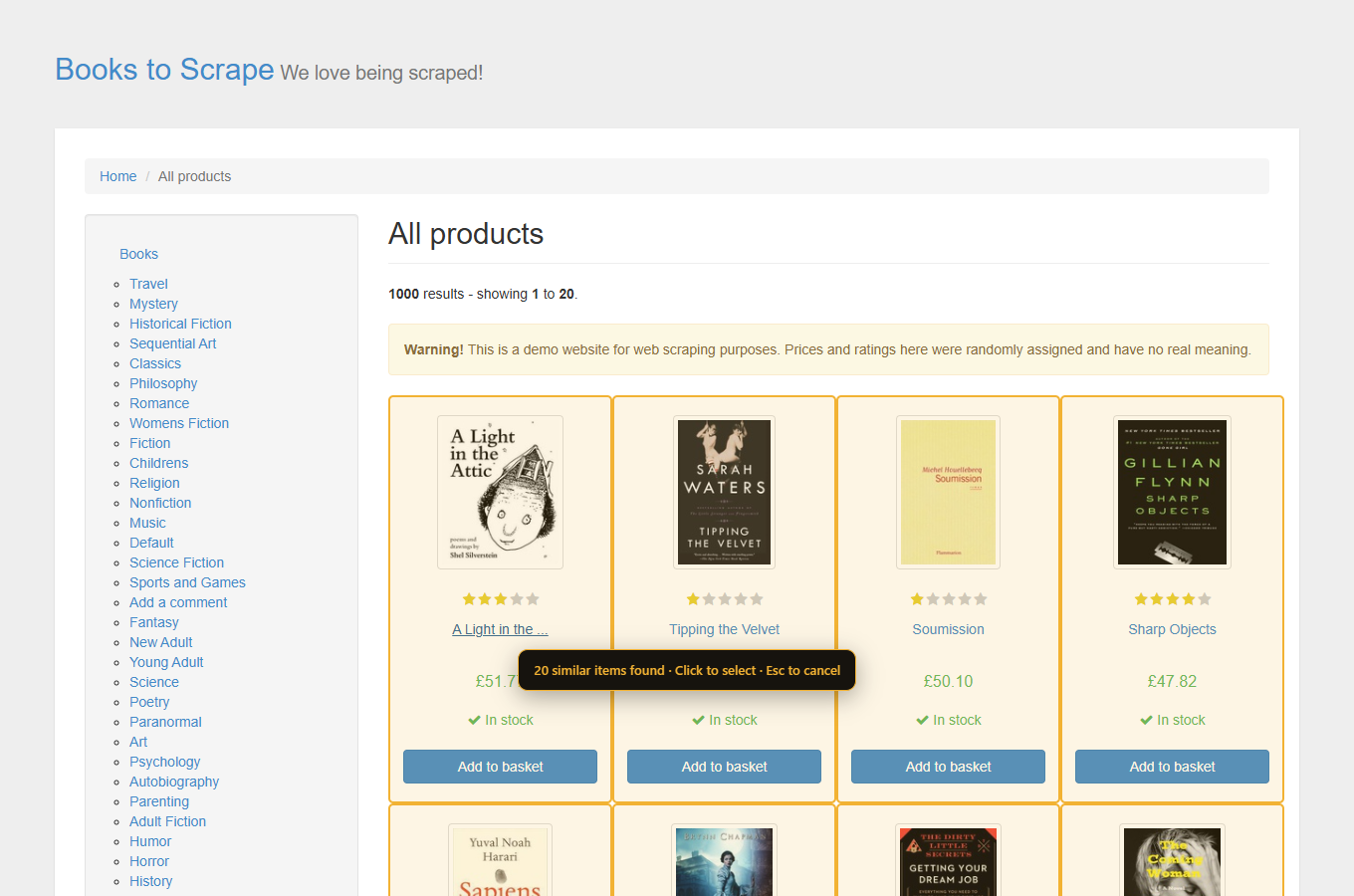
Move your mouse over any item. ScrapeNow outlines every similar item on the page and tells you how many it found. Click once to select them.
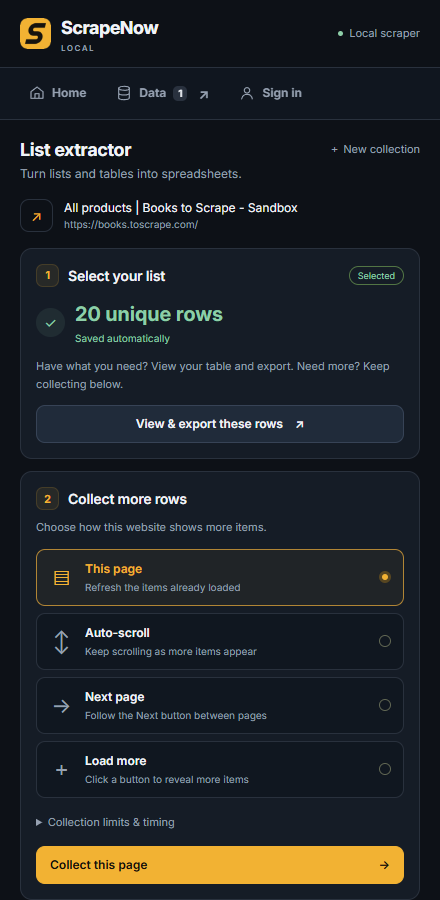
Choose how the website shows more items: auto-scroll, a next page button or a load more button. Rows save as they arrive, and you can stop at any time.
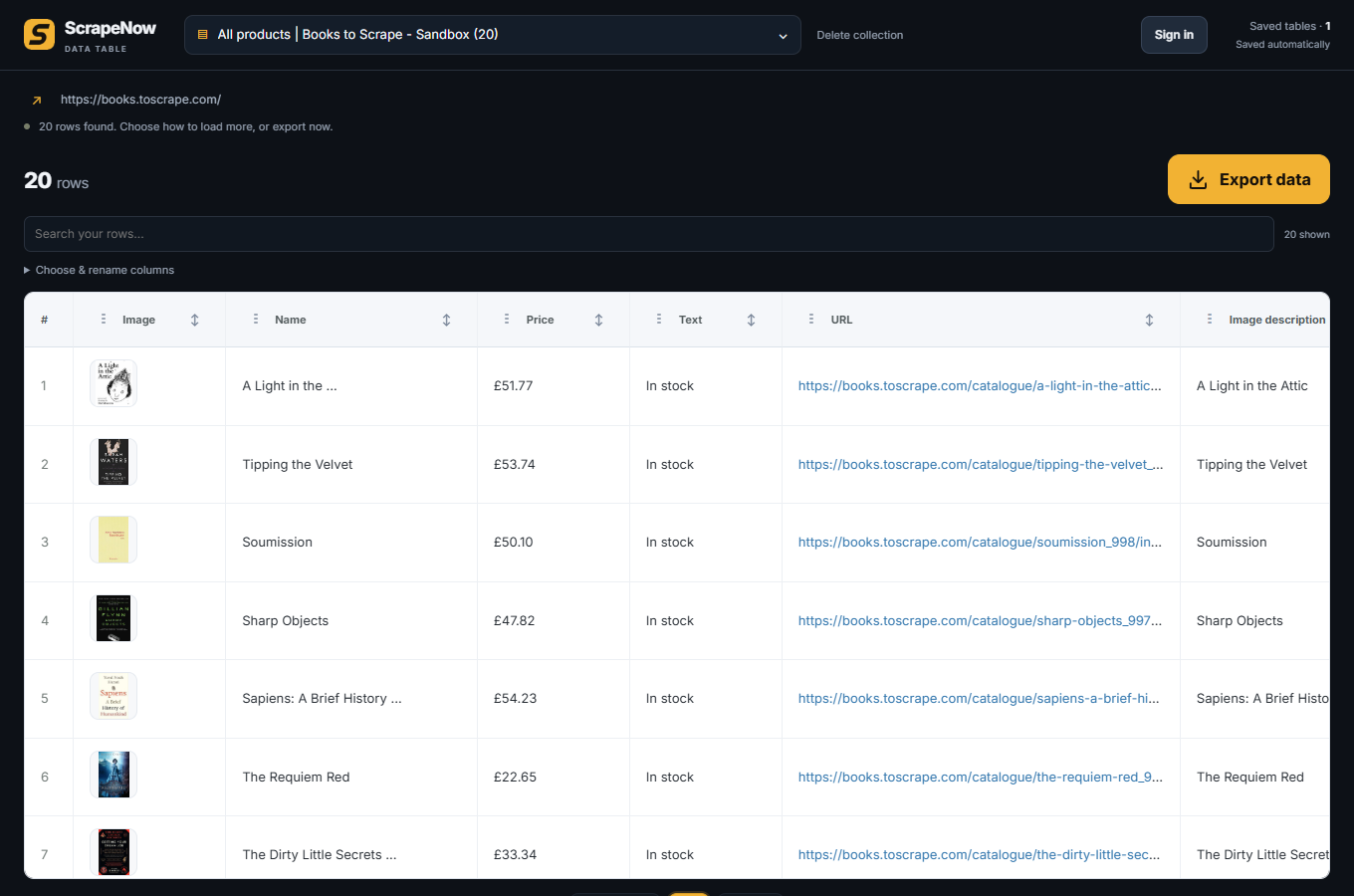
Rename, reorder and hide columns in the data table. Export to Excel, CSV, JSON or Google Sheets, or copy it to your clipboard.
Scraping and saved tables are free. Plans raise how many rows you can export each day and how many URLs a bulk job can take. No subscription.
$0
No account needed
$29 once
Lifetime license
$69 once
Lifetime license
$149 once
Lifetime license
Prices in USD. Taxes and the final total are shown at checkout. Upgrading between plans costs only the difference. Refund requests within 14 days. Exporting the same table again the same day does not use more rows. How the daily allowance works
Pages are scraped by the extension on your computer, not on our servers.
Saved tables live in your Chrome profile. Your rows are not uploaded to ScrapeNow, and Google Sheets only receives what you export there.
It reads the page you can see, so pages behind your own login work too.
ScrapeNow asks for access one site at a time. It never requests all-sites access.
Something else? Email support and we reply within two business days.
Many websites that show repeated items work: stores, directories, review pages, search results and comment lists. Some pages block extraction or render content in ways the extension cannot read, such as canvas or protected frames. Check the saved rows before relying on them.
No. You can scrape, save tables and export on the free plan without signing in. An account is only needed to buy a plan and keep your license.
List Extractor works on comment and post lists that are visible in the page, and Social link finder finds profile links on business websites. YouTube channels have a dedicated video scraper. There are no dedicated TikTok, Instagram, Facebook, LinkedIn or X templates yet.
Saved tables stay in your Chrome profile and are there when you come back. They are not a cloud backup, so export anything important before you uninstall the extension.
No. Personal, Pro and Business are one-time payments for a lifetime license. You can request a refund within 14 days.
The Edge Add-ons version is coming soon. Today ScrapeNow is available from the Chrome Web Store.
Install takes a few seconds. Your first 5,000 rows a day are free.
Add to Chrome — it’s free